 HomeDesigner
 › Room planner
Free room planner
to furnish any room to scale
Draw the room with its real measurements, move the furniture around until the layout works, and look at the result in 3D. For a living room, bedroom, bathroom or office.

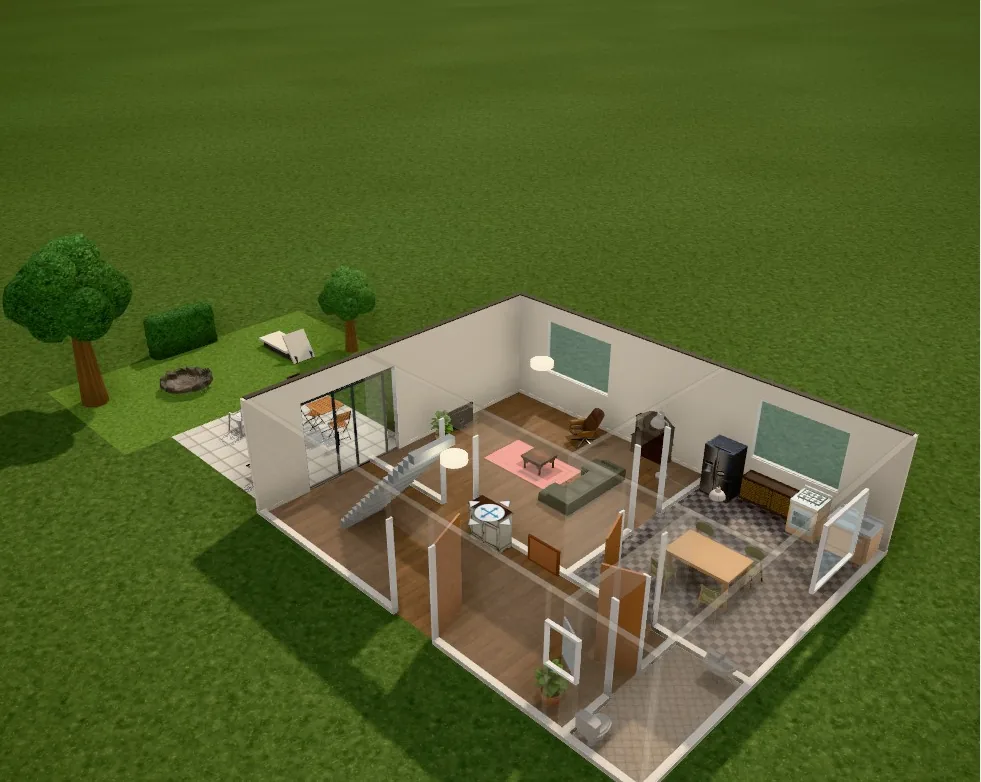
Try the layout before you move a single piece
HomeDesigner is a room planner as well as a floor plan maker. Plan one room or the whole home, try a furniture layout before you buy, and open the same project on your phone and in the browser.
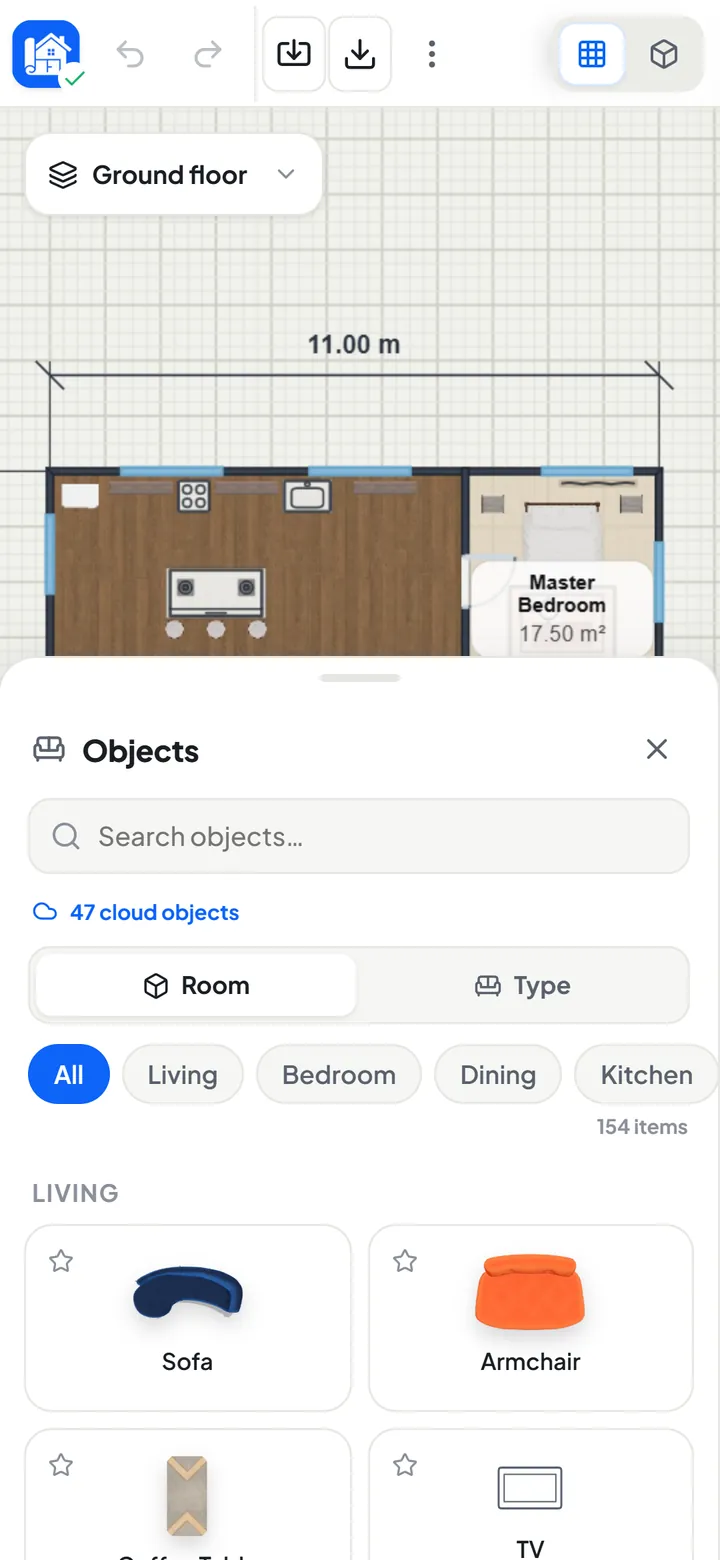
Furniture for every room, placed to scale
Pick pieces from a large catalog and drop them into the room. Each one keeps its real size, so you can see at once whether the sofa fits along the wall and whether the bed leaves room for the wardrobe.
- Living room, bedroom, bathroom and office: plus kitchen, lighting and garden furniture
- Resize and rotate: set each piece to the size you need and turn it into place
- Floors and walls: wood, tile, marble, granite, concrete and wall colours
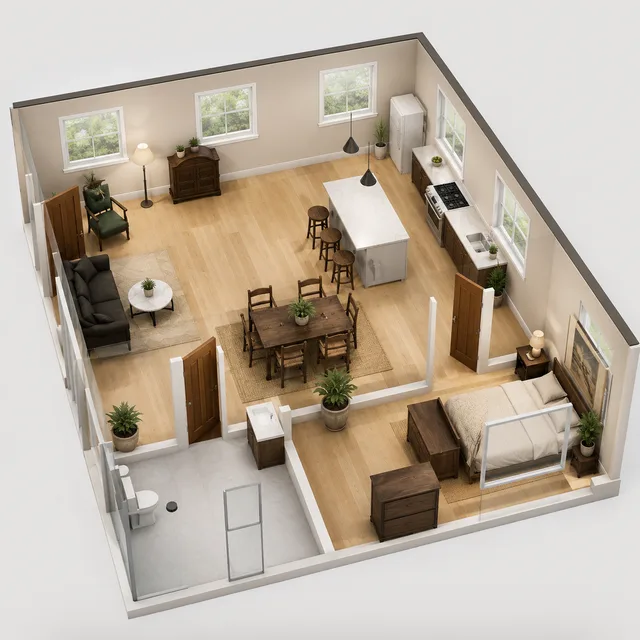
Draw the room, then see it in 3D
Enter the wall lengths, add the doors and windows, and the room is ready to furnish. One tap switches from the 2D plan to 3D, where you can look down into the room like a dollhouse or walk through it.
- Exact measurements: type a length or drag a corner, in metric or imperial
- Import a plan: trace over a PDF, a photo or a DXF file of your home
- Sunlight and photo mode: set the time of day and save a still image of the view
Four steps
Draw the room
Enter the wall lengths and add the doors and windows.
Add furniture
Drag pieces in from the catalog and arrange them to scale.
Choose floors and walls
Pick the floor material and the wall colours.
Look at it in 3D
Walk through the room and save a picture of the view.
Good to know
Is the room planner free?
Yes. You can draw a room, furnish it and view it in 3D for free, on Android and in the web app. HomeDesigner Pro adds the complete catalog, several storeys, PDF export, watermark-free images and unlimited saved projects.
Which rooms can I plan?
Any room. The catalog has furniture for the living room, bedroom, bathroom, kitchen and office, as well as lighting and garden furniture.
Is the furniture to scale?
Yes. The room is drawn with real measurements, and every piece of furniture has a real size that you can change, so the layout on screen matches the room.
Do I need an account?
No. You can start without an account, and designs are saved on your device. Sign in with Google if you want to sync projects across devices.
Start designing for free
Get HomeDesigner on Google Play, or open the full web app in your browser. No sign-up needed to start.