 HomeDesigner
 › 3D design
3D home design
you can walk through
Every wall, door and piece of furniture you place in the plan appears in 3D straight away. Look at the house from above like a dollhouse, or step inside.

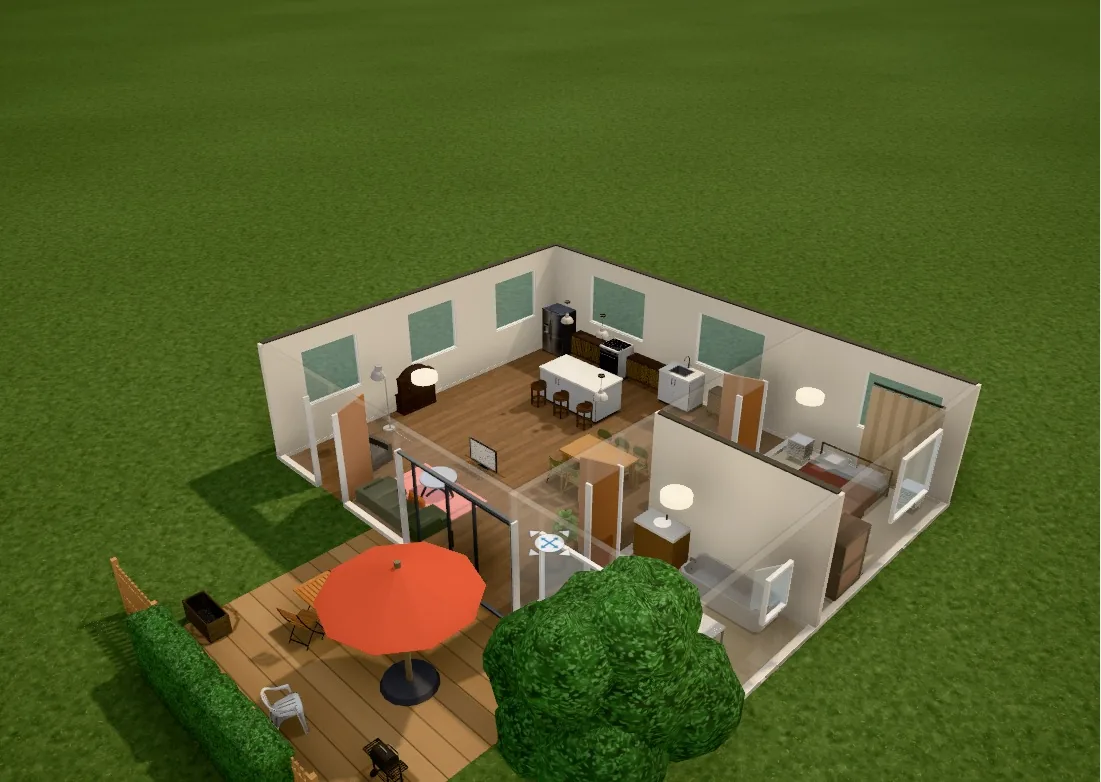
See the home before you build or buy
A plan tells you whether things fit. 3D tells you whether they feel right: how far the sofa is from the window, where the light falls in the afternoon, what the kitchen looks like from the dining table.
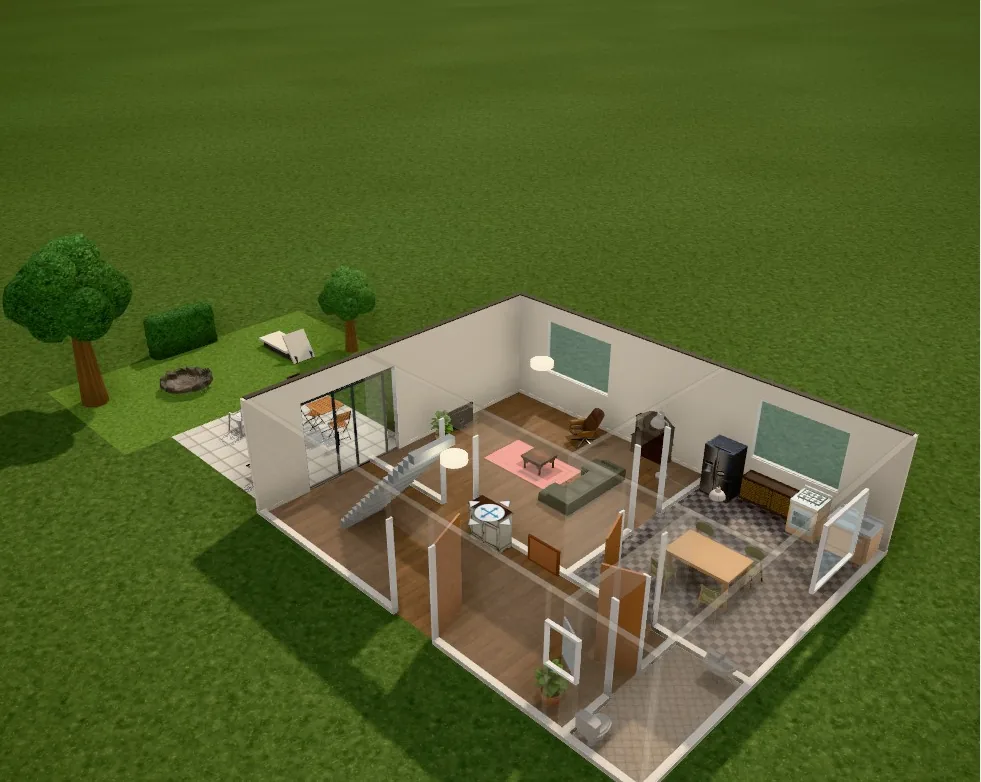
Furnish and decorate every room
Choose from living room, bedroom, kitchen, bathroom, office, lighting and garden furniture. Resize and rotate each piece, and change wall colours, floors and materials.
- Real 3D furniture: with more models added from the cloud
- Floors and walls: wood, tile, stone, concrete, paint and more
- Sunlight: set the time of day and see the light and shadows change
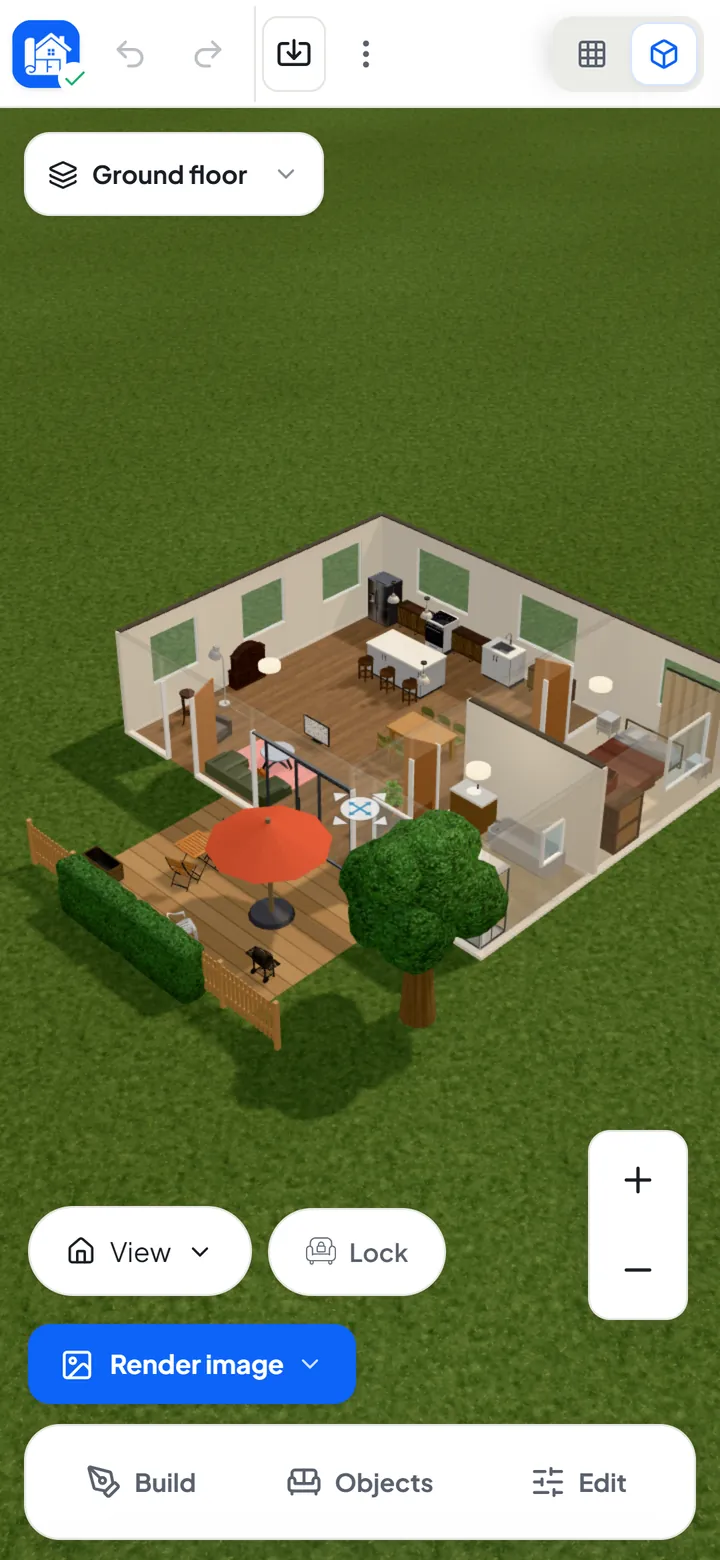
One tap from plan to 3D
There is nothing to convert or wait for. Switch between the 2D plan and the 3D view whenever you like, on a phone, a tablet or a computer.
- Dollhouse and walk-through views: see it from above or from inside
- Roofs, stairs and several storeys: for whole-house designs
- Photo mode: save a still image of any view
Four steps
Draw or open a plan
Start from scratch, import a plan or pick a sample home.
Add furniture
Drag pieces in from the catalog and arrange them to scale.
Switch to 3D
Tap the 3D button to see the house built around you.
Save a picture
Take a photo of the view, or turn it into an AI render.
Good to know
Is HomeDesigner a free 3D home design app?
Yes. Drawing, furnishing and the 3D view are free. Pro removes the watermark from saved images and adds several storeys, the full catalog and PDF export.
Does 3D work on my phone?
Yes. The Android app picks a quality level that suits the phone, and you can raise or lower it in the settings.
Can I design a house with more than one floor?
Yes, with Pro. Add upper floors and basements, connect them with stairs, and move between them in 3D.
Can I get a realistic picture of my design?
Yes. Photo mode saves the 3D view as an image, and the AI render turns that view into a photo-like picture.
Start designing for free
Get HomeDesigner on Google Play, or open the full web app in your browser. No sign-up needed to start.