 HomeDesigner
 › Kitchen planner
Free 3D kitchen planner
with built-in appliances
Line up cabinets along the wall, drop in the oven, hob, sink and fridge, pick a worktop, and see your kitchen in 3D before you order a single unit.

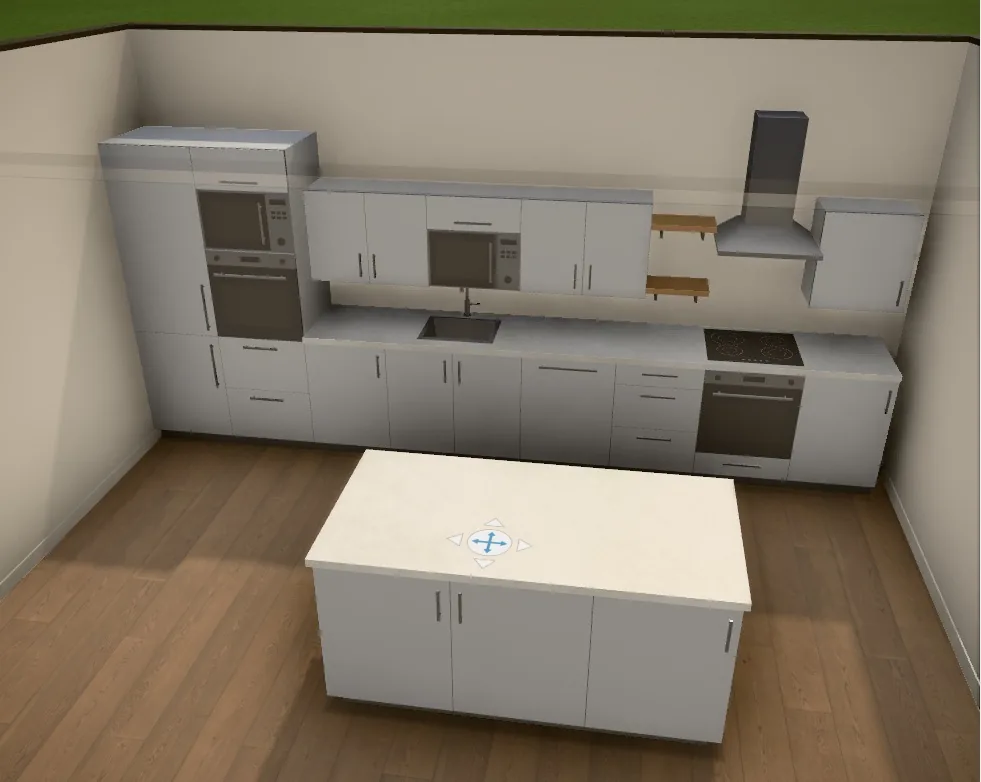
Every unit of a fitted kitchen, to scale
The kitchen planner is part of HomeDesigner, so your kitchen sits inside the real room, with its doors, windows and the dining table next to it.
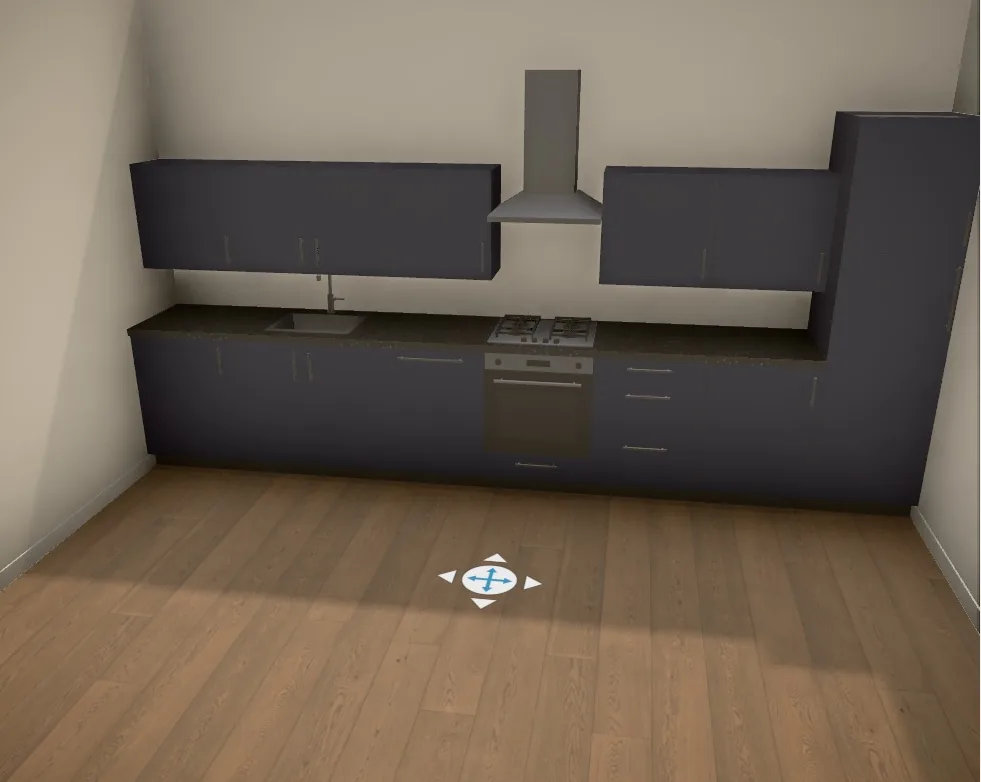
Cabinets, drawers and built-in appliances
Each unit can be resized to the width you need, and swapped for another type without losing its place in the run.
- Base units: cupboards, drawer units, corner units, sink unit, dishwasher
- Cooking: induction and gas hobs, built-in oven, gas range, extractor hood
- Tall units: integrated fridge, oven tower, larder
- Wall units: cupboards, built-in microwave, open shelves and niches
- Island: to stand free in the middle of the room
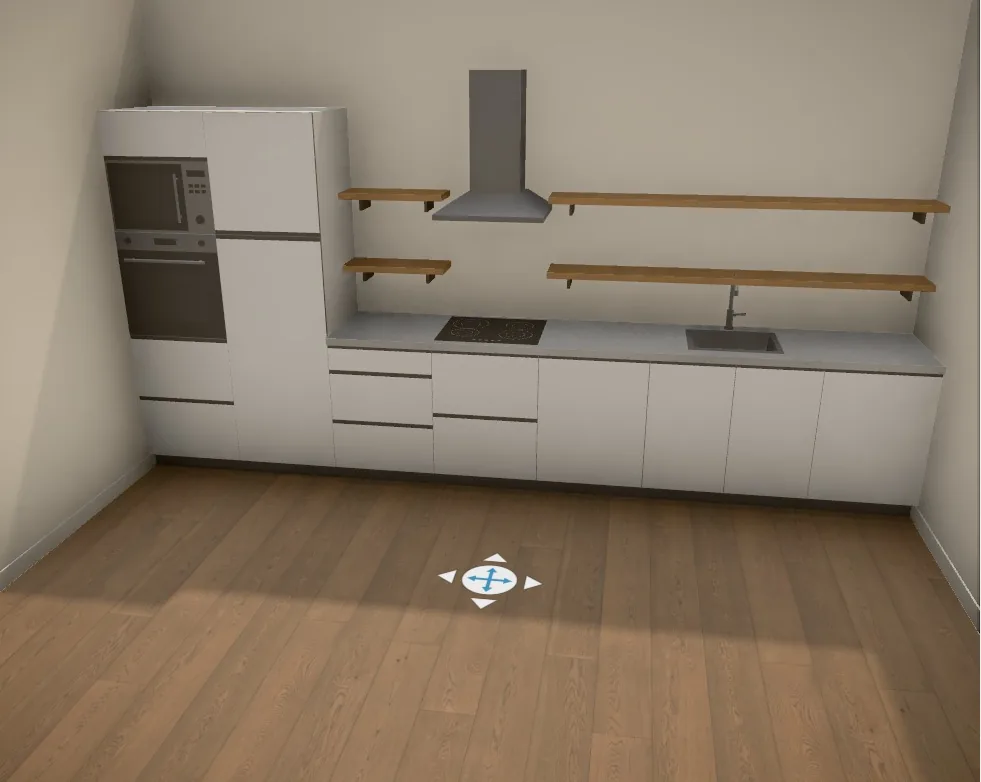
Choose the worktop, colour and handles
Change the look of the whole kitchen at once, or one unit at a time.
- Worktops: quartz, granite, marble, travertine, slate, terrazzo, concrete, oak, walnut and brushed steel
- Fronts: any colour, applied to every unit in one step
- Handles: bar handles or a handleless look
Four steps
Draw the room
Enter the wall lengths and add the doors and windows.
Place the units
Add cabinets and appliances from the Kitchen category.
Pick the finishes
Choose the worktop, front colour and handles.
Look at it in 3D
Check the layout, then save a picture to take to the showroom.
Good to know
Is the kitchen planner free?
Yes. You can plan a kitchen and view it in 3D for free in the Android app and the web app. Some catalog items and watermark-free images are part of HomeDesigner Pro.
Can I plan built-in appliances?
Yes. There are units for a built-in oven, an oven tower, induction and gas hobs, an integrated fridge, a built-in microwave, a dishwasher, a sink and an extractor hood.
Can I change the worktop material?
Yes. Pick from stone, wood, concrete and steel worktops, and apply the choice to the whole kitchen in one step.
Can I set my own cabinet widths?
Yes. Every unit can be resized, so you can match the sizes your kitchen supplier offers.
Start designing for free
Get HomeDesigner on Google Play, or open the full web app in your browser. No sign-up needed to start.