Join the Google Group
This makes your Google account eligible to join the closed test.
Join the Google Group →Draw a floor plan in minutes, furnish it with real 3D furniture, and walk through the result — on your phone or right here in your browser.
The Android app is in testing — follow the three steps below. The web app is open to everyone.
Walls snap to the grid and to each other. Type exact lengths or drag corners — beginner to architect.
Photoreal floors and a growing catalog of real 3D models — sofas, kitchens, beds, plants and more.
Switch to 3D, open doors, climb the stairs, and see your home in changing daylight before you build it.
Walls snap to the grid and to each other. Type exact lengths or drag corners.
Photoreal floors and a growing catalog of real 3D models.
Open doors, climb stairs, and see your home in changing daylight.
HomeDesigner takes you from a rough idea to a plan you can share — with the same project on your phone and in your browser.
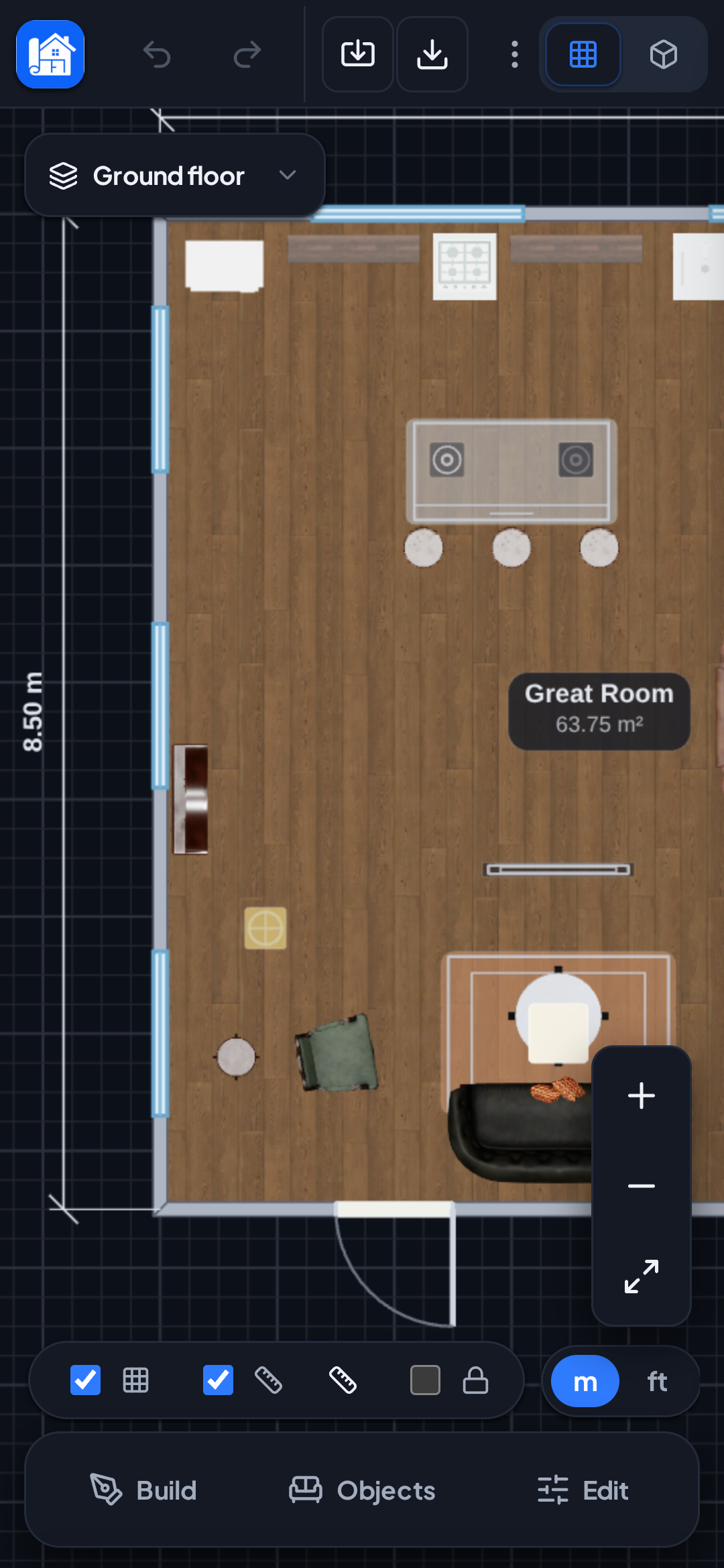
Smart snapping, live dimensions, photoreal floors and top-down furniture. Import an existing PDF or photo and trace it to scale.
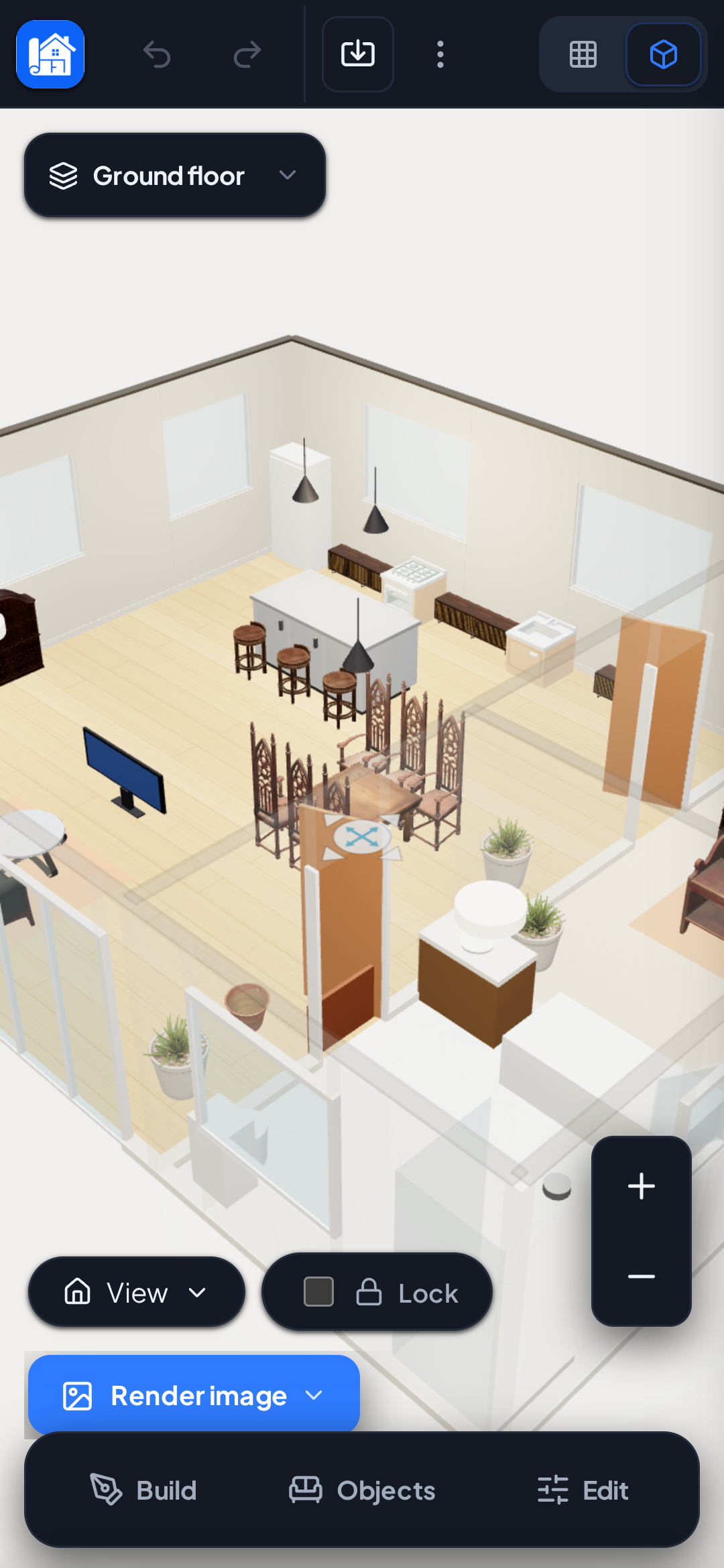
Every wall and object appears instantly in 3D. Walk through doors, up the stairs, and adjust the sunlight to any time of day.
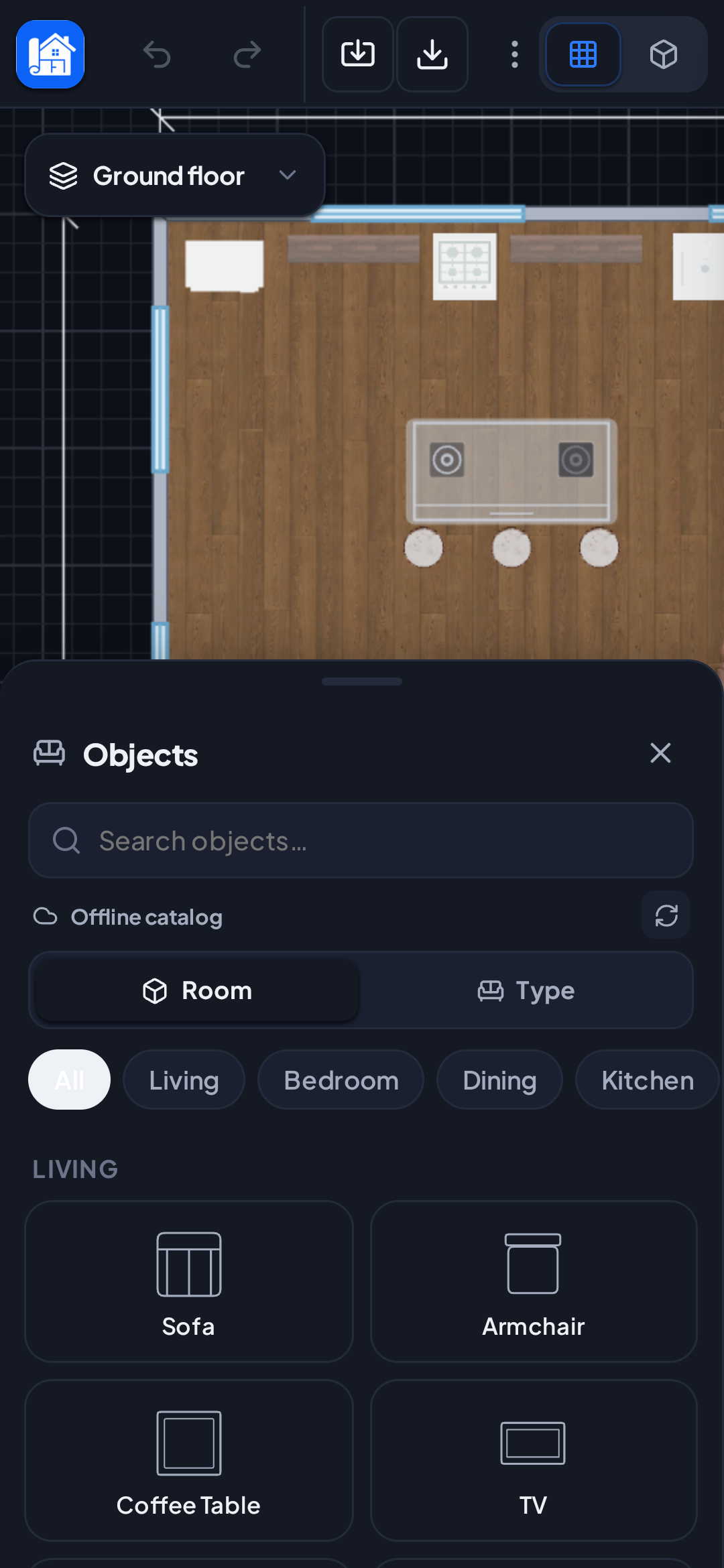
A growing library of quality 3D models — living room, kitchen, bedroom, bathroom, office and lighting — with more added in the cloud.
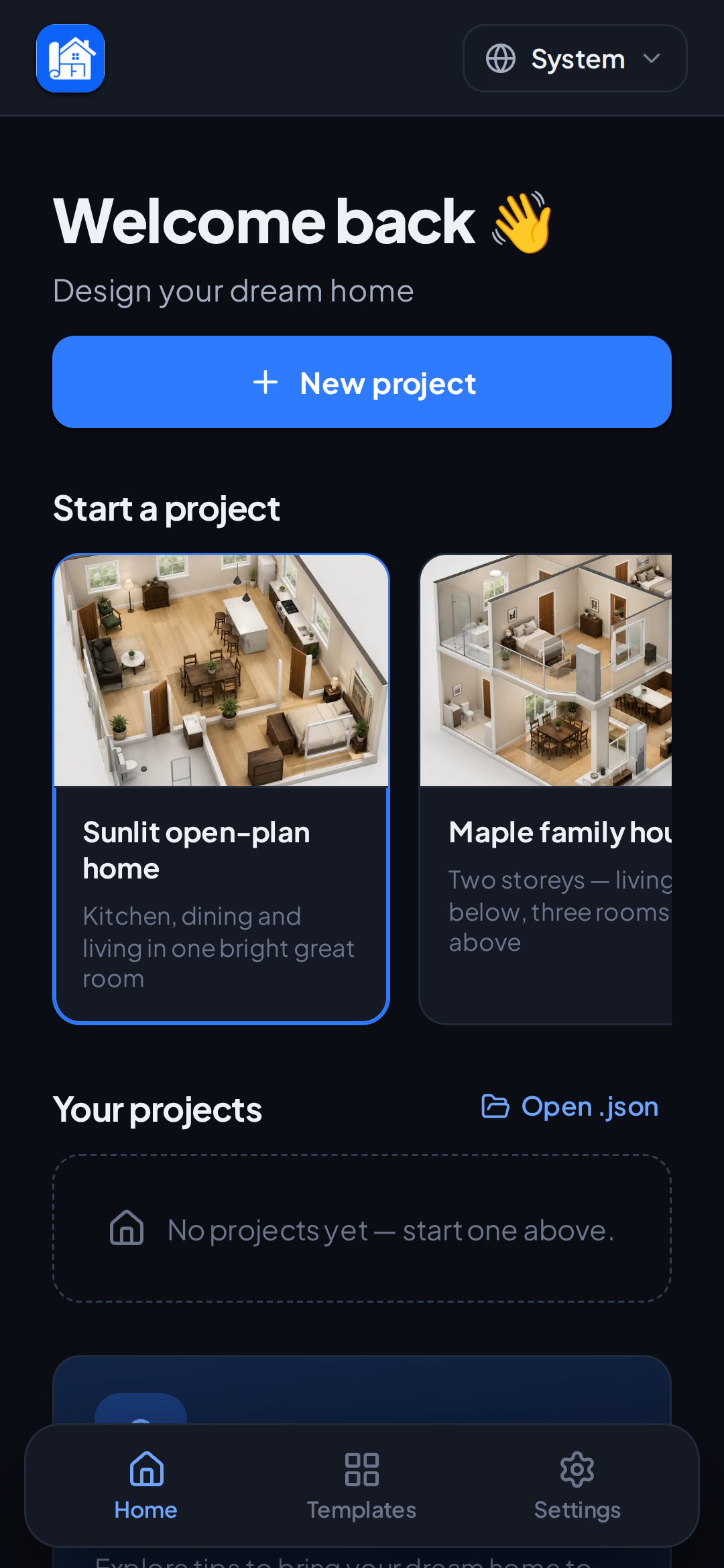
Start from beautiful sample homes or a blank canvas. Sign in with Google to keep plans and Pro across your devices.
 In testing
No form or manual approval is needed. Follow these steps in order using the same Google account, then install HomeDesigner directly from Google Play.
This makes your Google account eligible to join the closed test.
Join the Google Group →After joining the group, opt in to the HomeDesigner test on Google Play.
Become a tester →Once you have opted in, download and install the latest Android version.
Install from Google Play →Important: use the same Google account for all three steps.